
Moving offices? Keep your equipment records with the move
An office move can scatter equipment long before anyone notices a gap in the records. A monitor goes to another team, spare chargers disappear into boxes and a power board arrives at the new reception desk without anyone knowing where it came from. For Brisbane businesses, a simple equipment handover can make the move easier to manage.
You do not need a complicated new system. The aim is to keep each item connected to its identity, location and history while desks, cupboards and staff are changing places. The following steps are practical administration recommendations for a relocation; they do not set legal testing intervals or replace advice about your particular workplace.
Make a starting list before packing
Use your existing equipment register or latest testing report as the starting point. Add a column for the planned destination and another for the person coordinating the move. Keep the original information so the old location is still available when someone asks where an item was last used.
Walk through shared areas as well as individual desks. Meeting-room equipment, cleaners’ cupboards, kitchen appliances and stored extension leads are easy to overlook. Note equipment that will stay behind, go into storage or be retired. A move is a useful time to identify unknown items, without quietly treating them as checked or approved.
Pack equipment in identifiable groups
Label boxes by room or work area and keep a simple box list. For example, “Meeting room B — display accessories” is more useful than “miscellaneous cables”. Where an appliance has an existing asset identifier, preserve it and record the box number against that item.
Keep detachable leads and power supplies associated with their equipment where practical. Avoid mixing similar-looking adaptors and assuming they are interchangeable during unpacking. If you are unsure which supply belongs to a device, check the manufacturer’s information or ask the appropriate support person before reconnecting it.
Agree who handles reconnection
Coordinate the move with your IT and facilities contacts. Identify equipment that needs an agreed shutdown, specialist handling or a planned restart. Staff should know which items they can pack and which should be left for the nominated team.
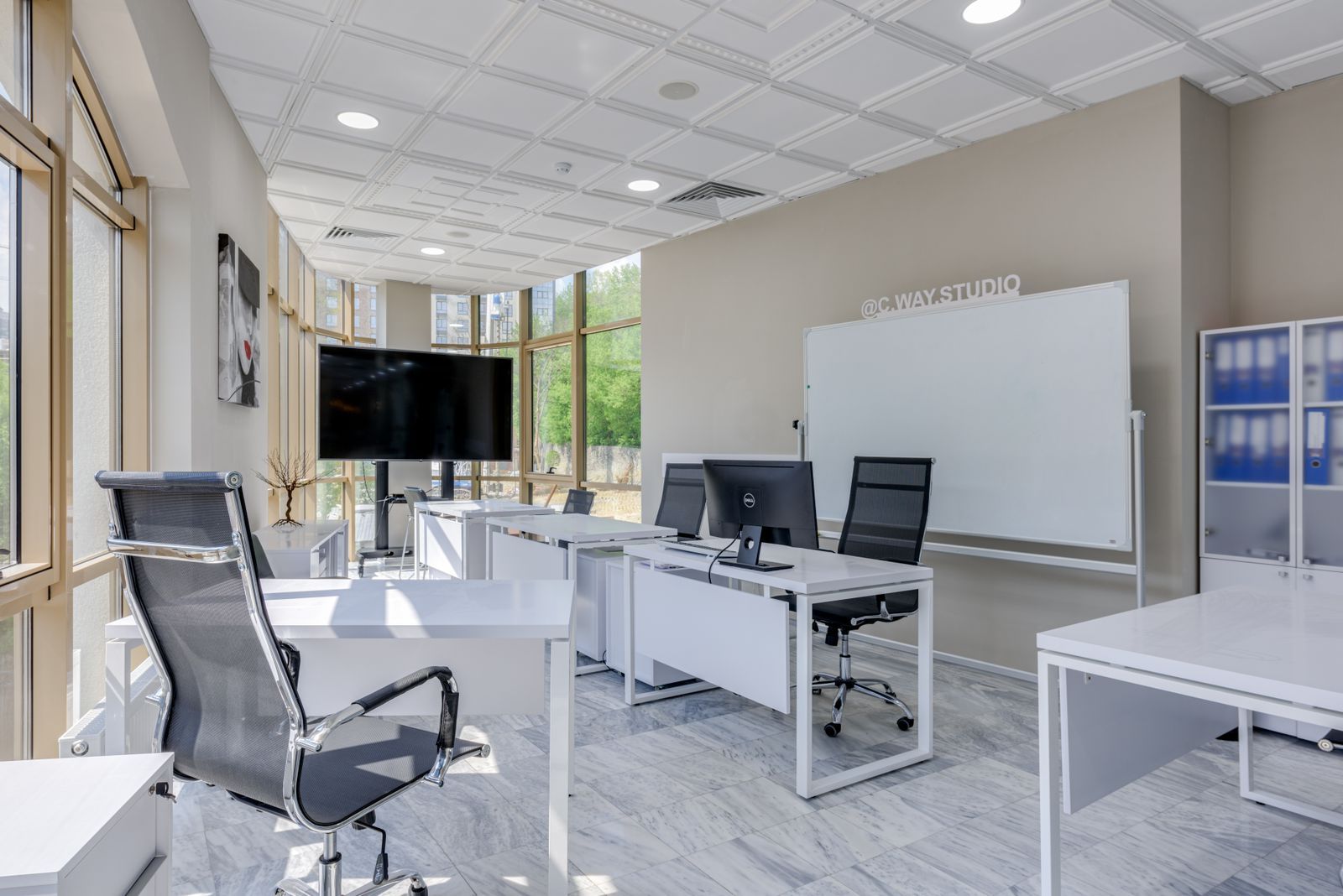
At the new premises, check the proposed desk layout before arranging a testing appointment. Access behind desks, locked rooms and equipment still in transit can affect what is available on the day. Keep a short outstanding-items list so those gaps remain visible rather than disappearing when the main move is declared complete.
Check the condition after transport
Unpacking is an opportunity to notice damage that may have occurred during handling. If an item looks damaged or its condition is uncertain, keep it aside and ask the responsible person to arrange assessment before it is used. Do not take an old record as confirmation of its condition after the move.
Keep this separate from deciding the ongoing inspection and testing programme. The appropriate arrangements need to be confirmed for the equipment and its new environment. Tell your provider if an item that previously stayed at a desk will now travel regularly or be used in a different work area.
Reconcile the register room by room
Once equipment is in place, compare the register with what is actually there. Record the new location, identify missing assets and note replacements. Keep a distinction between an item that has been found, one that has been assessed and one that is still waiting for attention.
For equipment being retired, record that decision without deleting its history. If an item is transferred to another branch, agree who updates the receiving site’s list. A clear handover prevents two sites from assuming the other one is managing it.
Plan the next visit around the final layout
Give your provider an approximate item count, a list of unavailable equipment and a contact who can arrange access. Our guide to booking a workplace test and tag explains the information that helps organise a visit. For a staged relocation, the guide to managing multiple locations can also help with coordination.
If you are moving a Brisbane workplace, request a quote with your new location, likely move date and approximate equipment count. Clear information makes it easier to discuss a visit that fits the move.
Finally, give the updated register and reports a shared home. Nominate an owner and a backup contact, then close out the missing-item list after the final delivery. A successful equipment handover leaves the next person able to find both the appliance and its records.